Sprunki Phase 3: The Carnage Continues Multishifted
About Sprunki Phase 3: The Carnage Continues Multishifted
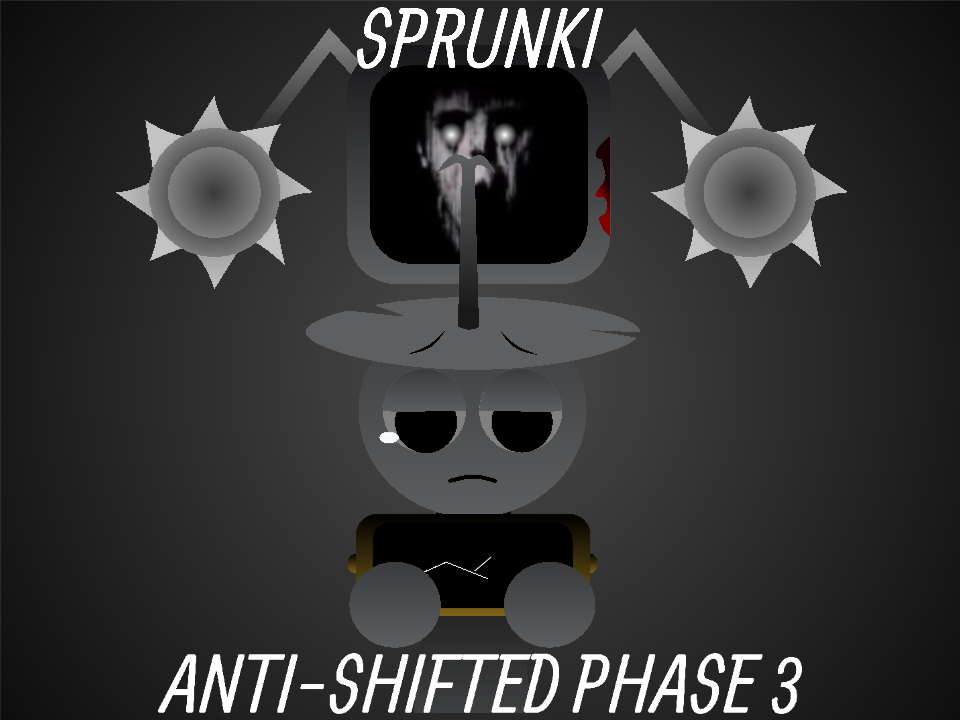
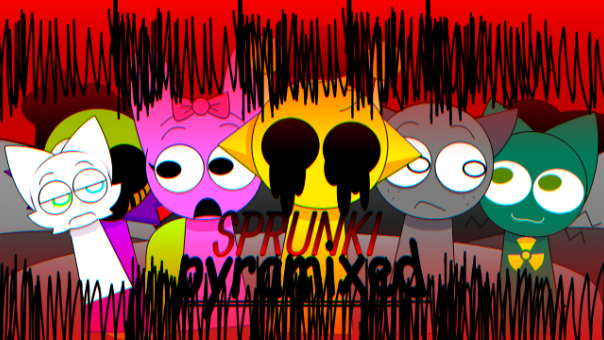
Sprunki Phase 3: The Carnage Continues Multishifted combines the brutal atmosphere of The Carnage Continues with the unpredictable character swaps of a Multishifted mod. Familiar Sprunki performers no longer follow their expected roles: appearances, injuries, fates, and musical identities have been rearranged to create an alternate Phase 3 timeline. Drag sound icons onto the stage, layer distorted beats with unsettling melodies and vocals, and build your own horror composition. Every new performer changes both the music and the twisted story suggested by the character designs.
Play Sprunki Phase 3: The Carnage Continues Multishifted
Sprunki Phase 3: The Carnage Continues Multishifted is a fan-made horror music experience that combines two dark Sprunki concepts. It retains the violent, damaged world of The Carnage Continues while applying a Multishifted structure in which familiar character identities and fates are rearranged.
The result is an alternate version of Phase 3 where players cannot rely entirely on what they remember from the original mod. A recognizable character may inherit another performer's condition, visual details, musical role, or place in the story. These changes create a lineup that feels familiar at first glance but becomes increasingly unpredictable as more sounds are activated.
Use the drag-and-drop music system to bring each performer onto the stage. Combine corrupted beats, mechanical effects, broken melodies, ambient noise, and distorted vocals to construct your own soundtrack for the continuing carnage.
What Is The Carnage Continues Multishifted?
The game is best understood as a Multishifted interpretation of Sprunki Phase 3: The Carnage Continues. The base Phase 3 mod presents a damaged horror setting filled with injured characters, aggressive sound design, and a sense that an earlier disaster has not ended. The Multishifted version rearranges elements of that setting.
Instead of simply giving the characters new colors, the shift changes how their roles relate to one another. One character may receive another character's fate, injury pattern, visual identity, or sound function. This creates an alternative timeline in which the same carnage produces very different survivors and victims.
The music also helps communicate that shift. Beats and effects that normally belong to one type of performer may appear beside unexpected visuals. Players must listen to each loop instead of choosing characters only by appearance.
Build a Soundtrack for the Continuing Carnage
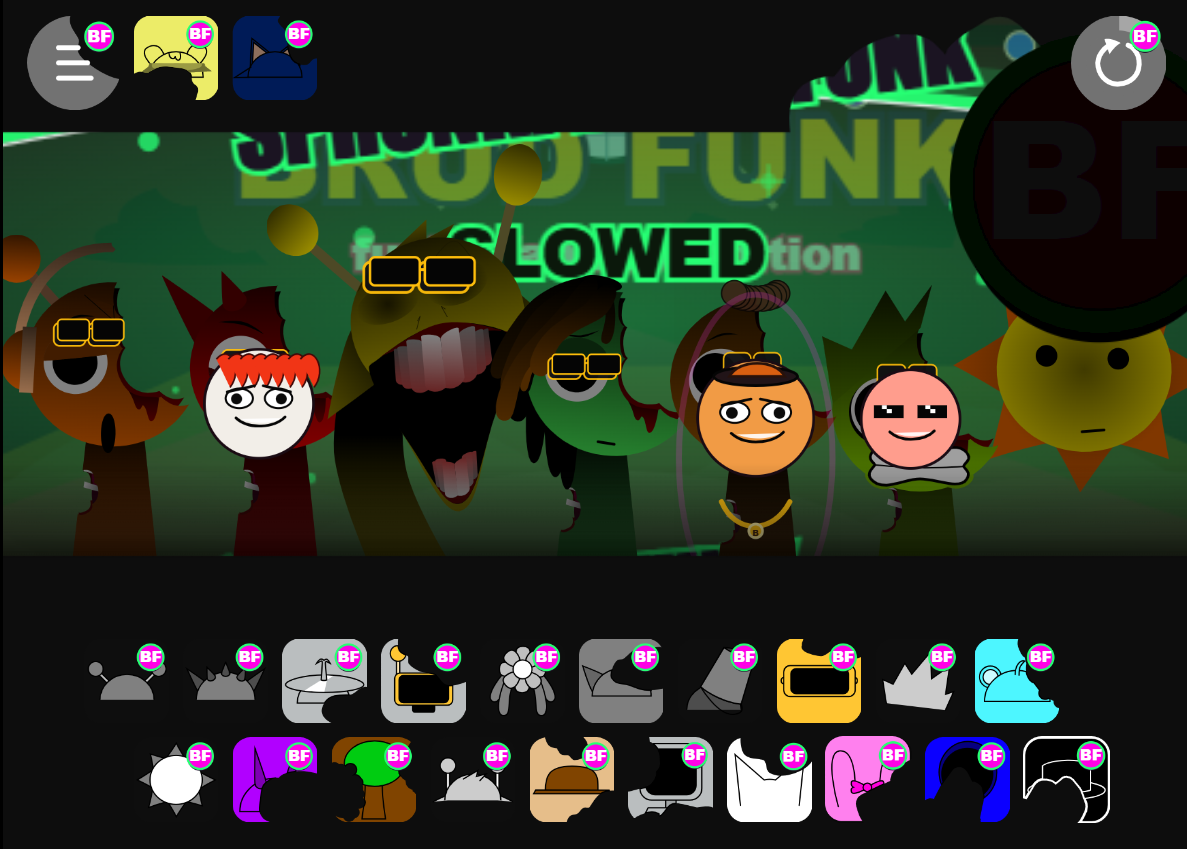
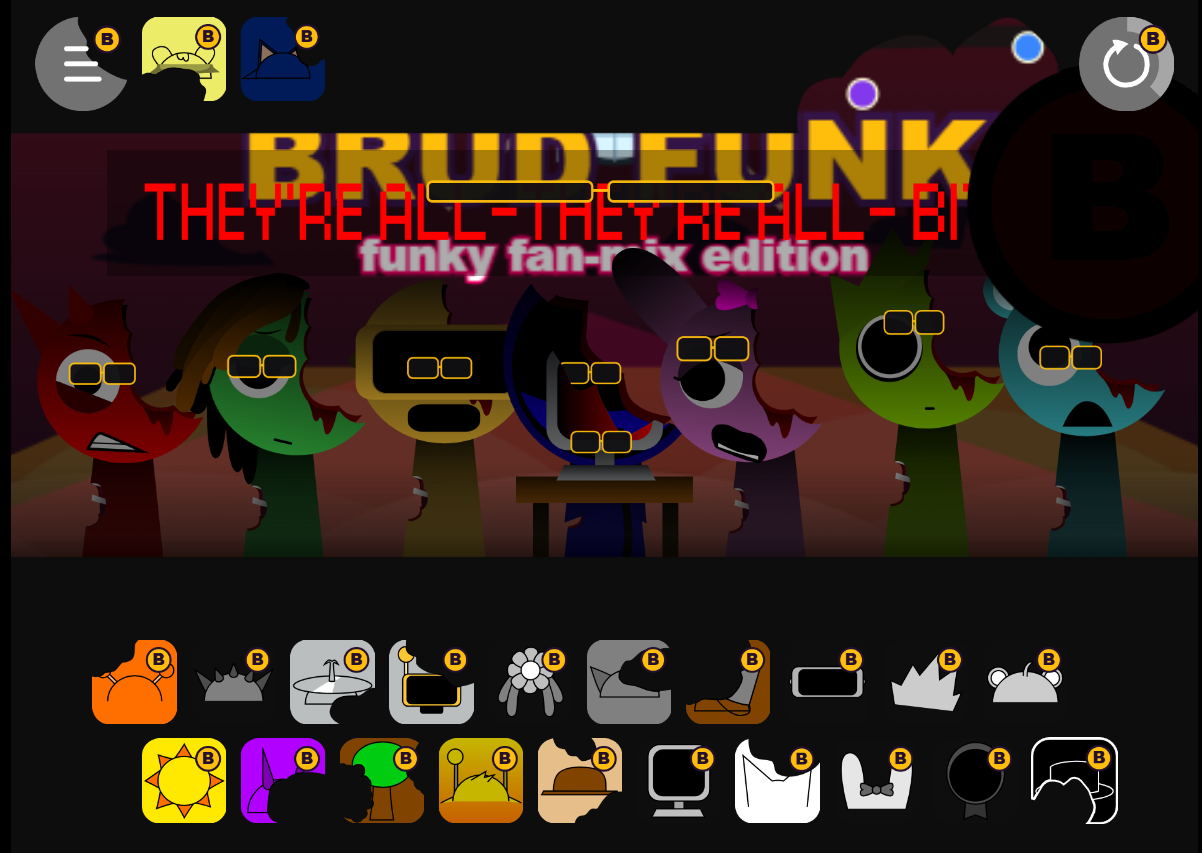
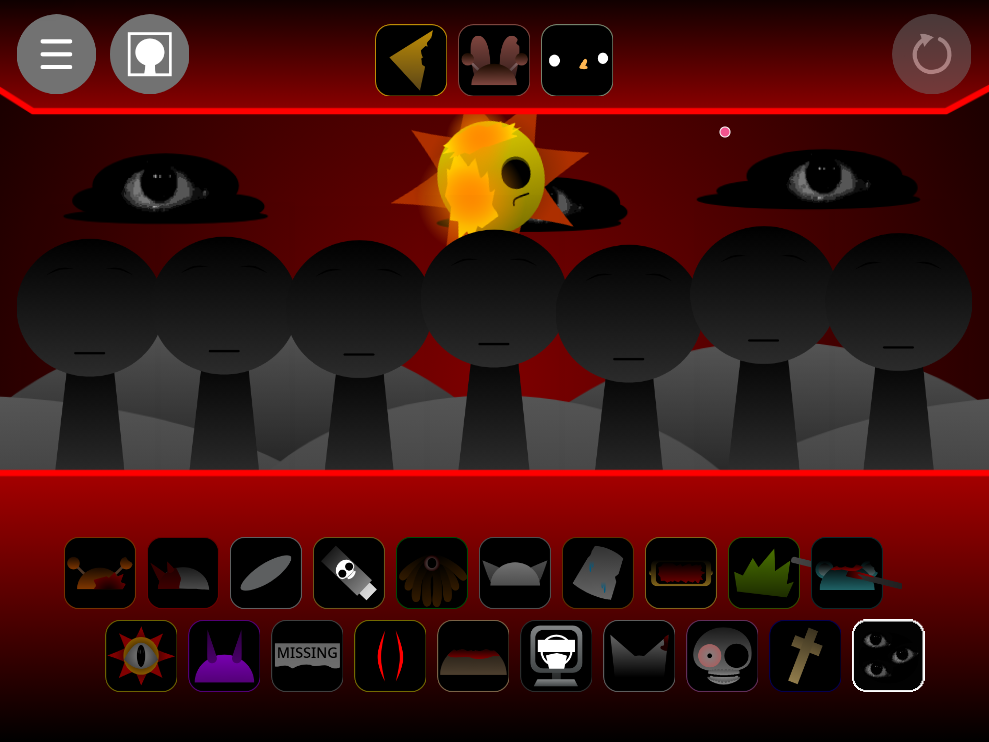
The central gameplay remains an open-ended music mixer. Sound icons are displayed below the main stage, with each icon representing a particular performer and audio loop. Drag an icon onto an available position to activate its animation and add its sound to the composition.
You can combine several categories of audio:
- Beats: Establish the pulse with heavy percussion, damaged rhythms, and repeated impacts.
- Effects: Add mechanical noise, glitches, alarms, static, and unsettling background textures.
- Melodies: Introduce dark musical patterns that give the mix direction and atmosphere.
- Vocals: Layer distorted voices, cries, chants, or other character-driven sounds over the instrumental track.
The loops synchronize automatically, so you do not need to play notes manually. Your challenge is deciding which sounds work together. Begin with a simple rhythm, add an atmospheric effect, and then introduce melodies or vocals one at a time. If the composition becomes too noisy, remove one of the dominant performers and listen to how the remaining layers interact.
What Does Multishifted Change?
Multishifted mods are built around reassignment. Character traits are moved through the lineup, creating new relationships and unexpected outcomes. In this Phase 3 version, the shift gives The Carnage Continues a different visual and narrative structure.
Swapped Character Fates
The condition of a character may reflect an event that originally belonged to someone else. Injuries, expressions, survival states, and other visual clues are redistributed, encouraging players to compare the Multishifted cast with the standard version.
Unexpected Musical Identities
Appearances do not always reveal what a performer will sound like. A character who seems suited to a melody may instead introduce percussion, ambience, noise, or a vocal layer. Testing every icon is the best way to understand the rearranged lineup.
An Alternate Phase 3 Timeline
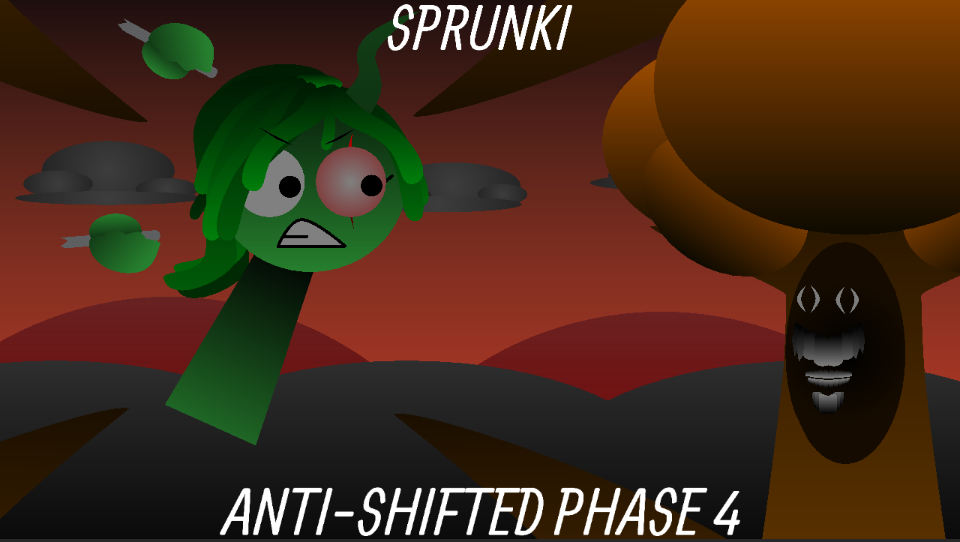
The shifted designs suggest that the events of the carnage unfolded differently. The game does not require players to follow a fixed narrative, but the expressions and injuries provide enough visual information to inspire theories about what happened before the performance began.
A More Intense Phase 3 Experience
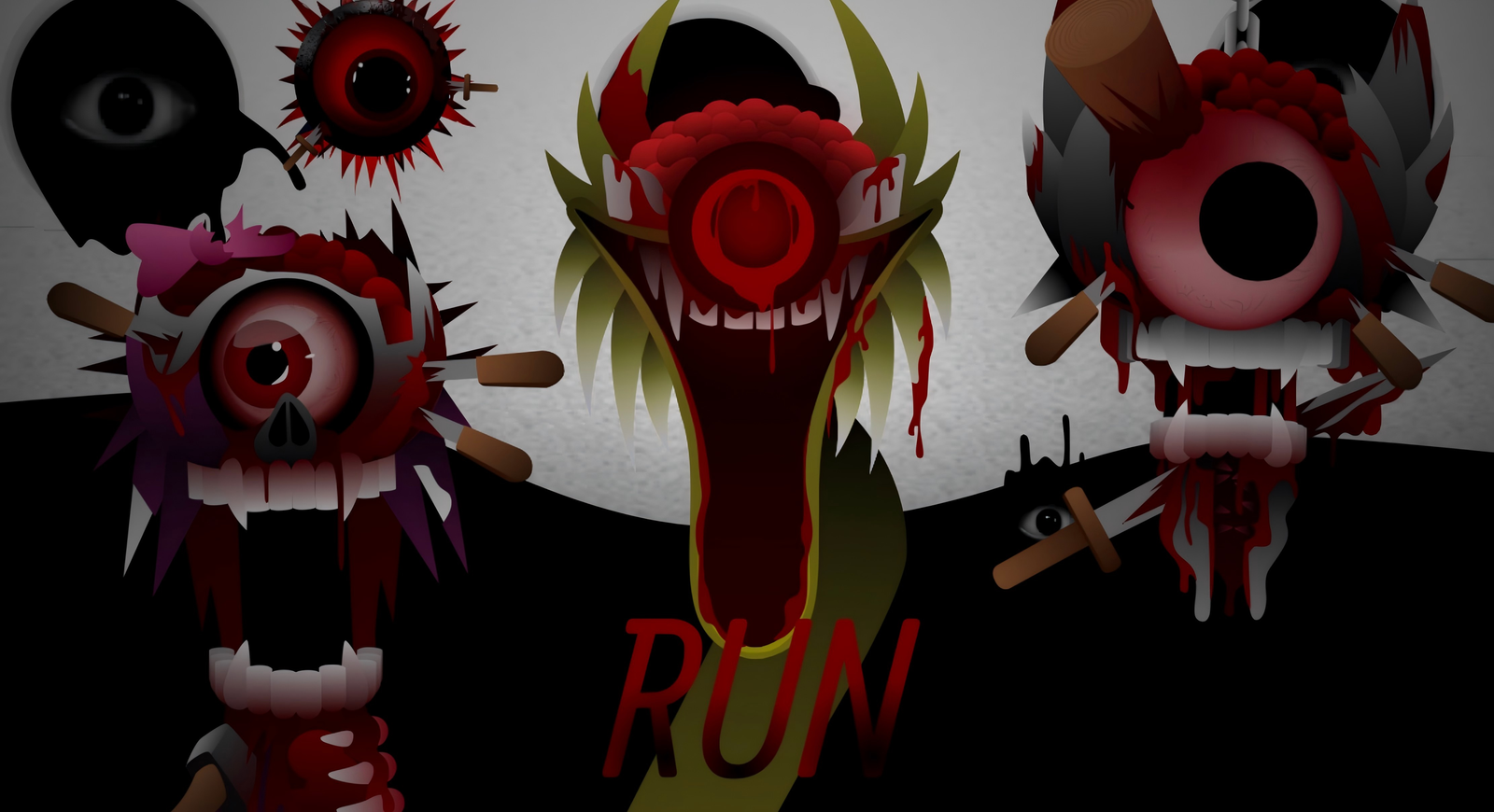
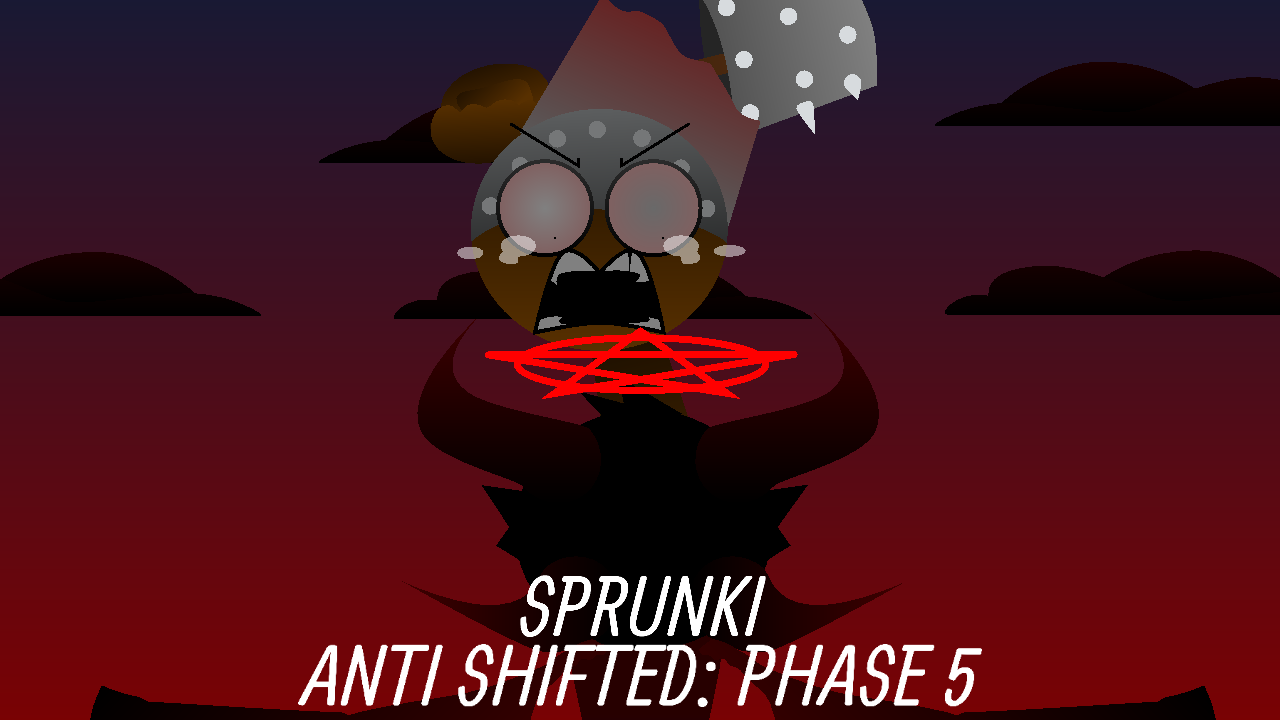
This is not the colorful opening normally associated with the original Sprunki experience. The Carnage Continues Multishifted focuses on horror from the beginning. Its performers appear injured, corrupted, exhausted, or emotionally disturbed, while the music emphasizes tension and instability.
The visuals may contain blood, wounds, unsettling expressions, and other disturbing details. Players who prefer lighthearted Sprunki games should be aware that this version deliberately presents a much darker interpretation of the characters.
The horror is not limited to the artwork. Broken rhythms, sudden effects, uncomfortable vocal sounds, and dissonant melodies make the mix feel unstable. Activating a full lineup can create an overwhelming wall of sound, while using only two or three carefully selected performers may produce a slower and more suspenseful atmosphere.
Why Play This Multishifted Version?
- A rare crossover concept: It combines The Carnage Continues with Multishifted character logic.
- Reworked Phase 3 cast: Familiar performers appear with reassigned identities, conditions, and roles.
- Dark sound design: Build tracks with distorted rhythms, eerie effects, corrupted melodies, and horror vocals.
- Visual storytelling: Character injuries and expressions hint at an alternate sequence of events.
- Creative freedom: There are no fixed songs, scores, or required sound combinations.
- High replay value: Changing only one performer can significantly alter the complete composition.
Tips for Creating a Better Multishifted Mix
Do not activate every character immediately. Begin with one beat and one quieter effect so you can identify the foundation of your track. Add each new performer separately and listen through at least one complete loop before making another change.
Use vocals carefully because they can dominate the composition. If a vocal loop hides the melody, remove it temporarily and strengthen the instrumental layers first. You can also experiment with silence by removing most of the performers and leaving only an ambient effect or isolated melody.
Because character roles have been shifted, avoid assuming that two similar-looking performers will produce compatible sounds. Trust what you hear rather than what you expect from the standard Sprunki lineup.
Discover the Alternate Carnage Timeline
Every mix becomes another interpretation of the Multishifted disaster. The rearranged characters invite comparisons with the original Phase 3 cast, while the open-ended music system lets you decide how the scene should sound.
Play Sprunki Phase 3: The Carnage Continues Multishifted, test every changed performer, and create a corrupted soundtrack for a timeline where the carnage affected everyone differently.
How to Play Sprunki Phase 3: The Carnage Continues Multishifted
How to Play Sprunki Phase 3: The Carnage Continues Multishifted
- Start the game: Press the play button to enter the Multishifted Phase 3 performance screen.
- Explore the sound icons: Look through the character icons at the bottom of the screen. Each represents a beat, effect, melody, or vocal loop.
- Activate a performer: Drag an icon onto an empty character position to reveal its shifted design and begin playing its sound.
- Build your composition: Add more performers to combine percussion, background noise, melodies, and distorted vocals.
- Listen for shifted roles: Do not judge a sound only by the character's appearance. Multishifted performers may have unexpected musical identities.
- Remove unwanted layers: Select a character or use the available removal control when a sound does not fit your mix.
- Reset and remix: Clear the stage to test a different lineup and create a completely new horror track.
Basic Controls
- Mouse: Click, hold, and drag an icon onto a stage position.
- Touchscreen: Tap and drag sound icons with your finger.
- Remove a sound: Click or tap the active performer, or use the on-screen removal control.
- Restart: Use the reset button to clear the current composition.
Useful Mixing Tips
- Start with one beat before adding louder effects or vocals.
- Listen to every performer individually to learn the shifted sound roles.
- Use fewer characters when creating a slow and suspenseful track.
- Combine contrasting sounds to produce a more chaotic horror mix.
- Wear headphones to hear quiet ambience and background details.
Frequently Asked Questions
What is Sprunki Phase 3: The Carnage Continues Multishifted?
It is a fan-made horror music game that applies Multishifted character changes to the world of Sprunki Phase 3: The Carnage Continues. Players can activate rearranged performers and combine their sound loops into original compositions.
Is this the same as the original The Carnage Continues?
No. It uses the same general Phase 3 horror concept, but the Multishifted edition rearranges character identities, fates, injuries, or sound roles. This produces an alternate version of the cast and implied storyline.
What does Multishifted mean in Sprunki?
Multishifted generally describes a mod in which character traits or fates are exchanged across the lineup. It is more than a color change: characters may inherit another performer's visual condition, narrative role, musical identity, or combination of traits.
Who created The Carnage Continues?
The underlying Sprunki Phase 3: The Carnage Continues concept is credited to FootlongNachos. Multishifted mixes and playable adaptations may be made or modified by different community creators, so the exact credits should follow the information supplied with the embedded game.
Is it a rhythm game?
It is primarily an interactive music mixer rather than a timing-based rhythm game. You do not need to hit notes at specific moments. Instead, you select performers and decide which repeating audio layers should play together.
Can I win or lose?
There is usually no traditional victory or failure condition. The objective is to explore the shifted character lineup, experiment with different sounds, and create a horror composition that you enjoy.
Does the game contain disturbing imagery?
Yes. The Carnage Continues is a horror-focused Sprunki concept and may contain blood, injuries, damaged characters, frightening expressions, and intense sound effects. It may not be suitable for players who prefer the lighter Sprunki mods.
Can I play on a phone or tablet?
You can play on a mobile device when the embedded version supports touchscreen controls. Drag the sound icons with your finger and place them onto the available performers. A desktop screen may make the complete lineup easier to see.
How can I make a better mix?
Begin with a beat and a quiet background effect, then add melodies and vocals separately. Listen to a complete loop after every change. Since the characters are Multishifted, test their sounds instead of relying on their familiar appearances.
Related Games